Eats365 產品
 商家指南
商家指南 模組
模組 會員
會員 整合
整合 硬件
硬件 員工操作
員工操作 職級和權限
職級和權限 付款
付款 報表
報表 最新消息
最新消息 產品更新
產品更新 故障排除
故障排除 探索 Eats365 產品
 Eats365 POS 詞彙表
 問題排解
問題排解- 基本操作
- 訂單處理
- 使用會員訂單記錄重复落單
- 管理餐桌狀態
- 將商品添加到訂單(餐檯服務式)
- 鎖定訂單
- 複製訂單(餐檯服務式)
- 讓不同的顧客群組共享一個餐桌 ── 搭檯
- 安排入座
- 為不同的顧客群組拆分餐桌 ── 分檯
- 對訂單應用改碼
- 更改訂單數量
- 上菜和叫起商品
- 执行清檯
- 從訂單中刪除商品
- 查看訂單狀態(餐檯服務式)
- 將套餐添加到訂單
- 使用操作按鈕修改訂單
- 管理新訂單
- 搜尋訂單(餐檯服務式)
- 建立自訂商品
- 建立「自取」與「送貨」訂單
- 切換點餐模式(餐檯服務式)
- 將訂單轉移至另一張餐桌
- 管理來自外賣整合平台的訂單
- 爲堂食訂單自行結帳
- 管理自行結帳訂單
- 將多張桌位合併在一起 ── 合檯
- 管理預訂訂單
- 對訂單應用價格層級
- 暫存和讀取訂單
- 建立放題訂單
- 將商品添加到訂單(快餐店)
- 將商品添加到訂單(美食廣場)
- 搜尋訂單(快餐店)
- 搜尋訂單(美食廣場)
- 查看訂單狀態(快餐店)
- 查看訂單狀態(美食廣場)
- 複製訂單(美食廣場)
- 複製訂單(快餐店)
- 在 Eats365 POS 上管理線上落單狀態
- 在 Eats365 POS 上管理線上落單狀態(美食廣場)
- 在處理訂單時修改商品或改碼的庫存
- 管理上菜順序
- 搜尋來自第三方點餐平台的訂單
- 預訂管理
- 排隊管理
- 處理付款
- 對訂單應用優惠
- 在 POS 上進行 365pay 付款
- 將商品設為贈送商品
- 應用稅項和服務費
- 為訂單添加小費
- 執行以商品分單或以金額分單
- 帳單退款
- 對訂單應用附加費
- 使用會員積分付款與兌換優惠
- 使用優惠券和禮品卡進行付款
- 沒收預付訂單訂金
- 處理訂單付款(餐檯服務式)
- 在第三方 CRM 訂單中使用積分、優惠或優惠券
- 在 POS 上處理QR碼付款
- 刪除或取消禮品卡、現金券和優惠券
- 退還禮品卡餘額
- 更換付款貨幣
- 使用會員儲值付款
- 添加優惠使用限制「優惠 1.0」
- 處理訂單付款(快餐店)
- 處理訂單付款(美食廣場)
- 使用 Eats365 POS 增值 “八達通” 卡
- 在 Eats365 POS 上處理 Fiuu 付款
- 在 POS 使用員工飲食津貼(餐飲補貼)
目錄
在 POS 上處理QR碼付款
了解如何在 Eats365 POS 上使用QR碼進行付款。
QR碼付款是整合支付中廣泛使用的付款方式,其中包括支付寶、微信支付及其他第三方支付平台。若顧客希望以QR碼付款,您可以使用 Eats365 POS 掃描該QR碼以完成訂單付款。
在本文中,您將了解如何在 POS 上處理QR碼付款。
使用QR碼處理付款
要在 POS 上進行QR碼付款,請依照以下步驟操作:
- 在您想要處理付款的訂單上,點擊「付款」。
- 選擇顧客首選的付款方式。例如,選擇「AlipayHK」。iPad 的相機會自動開啟。
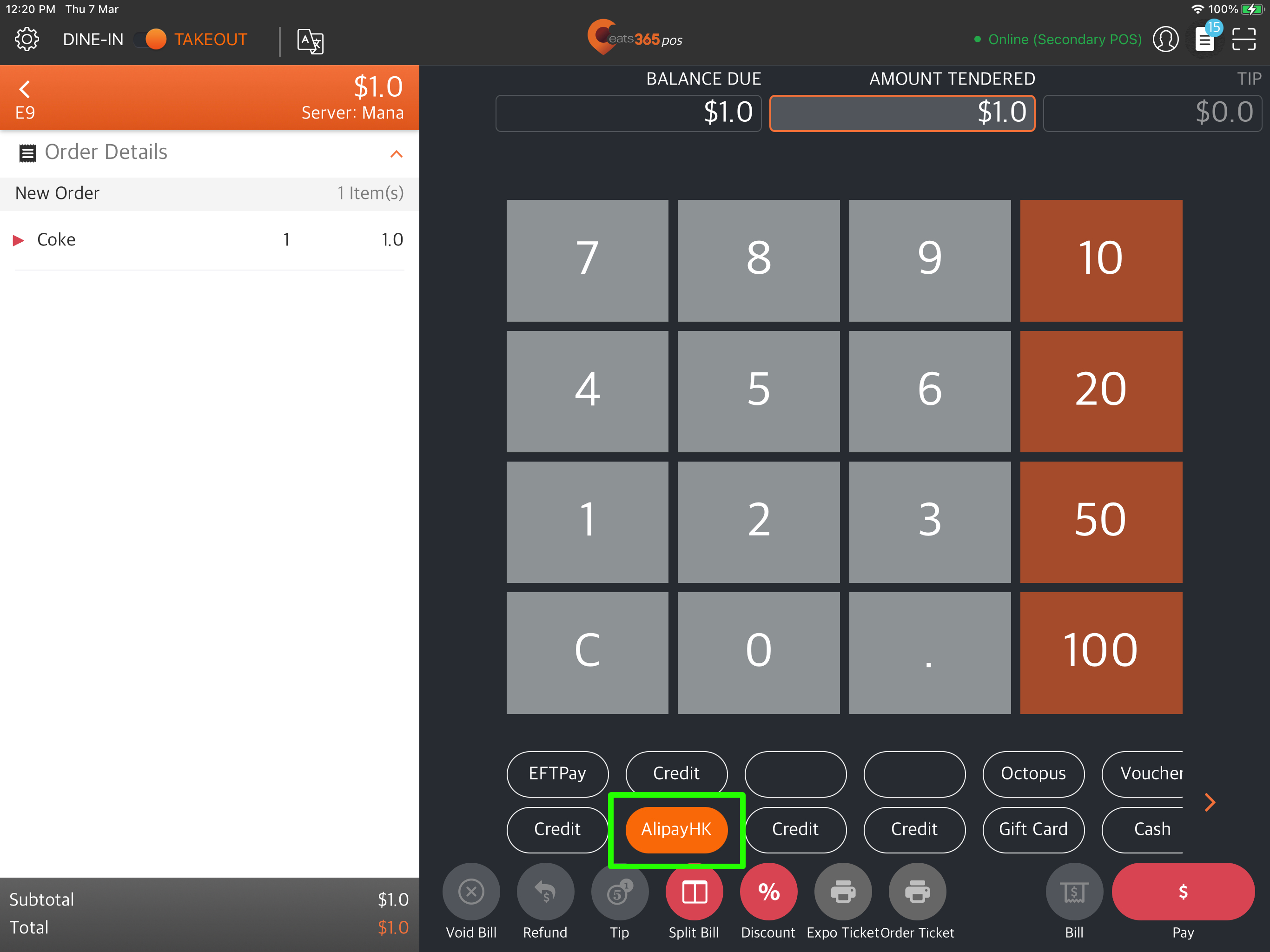
- 掃描顧客的QR碼。
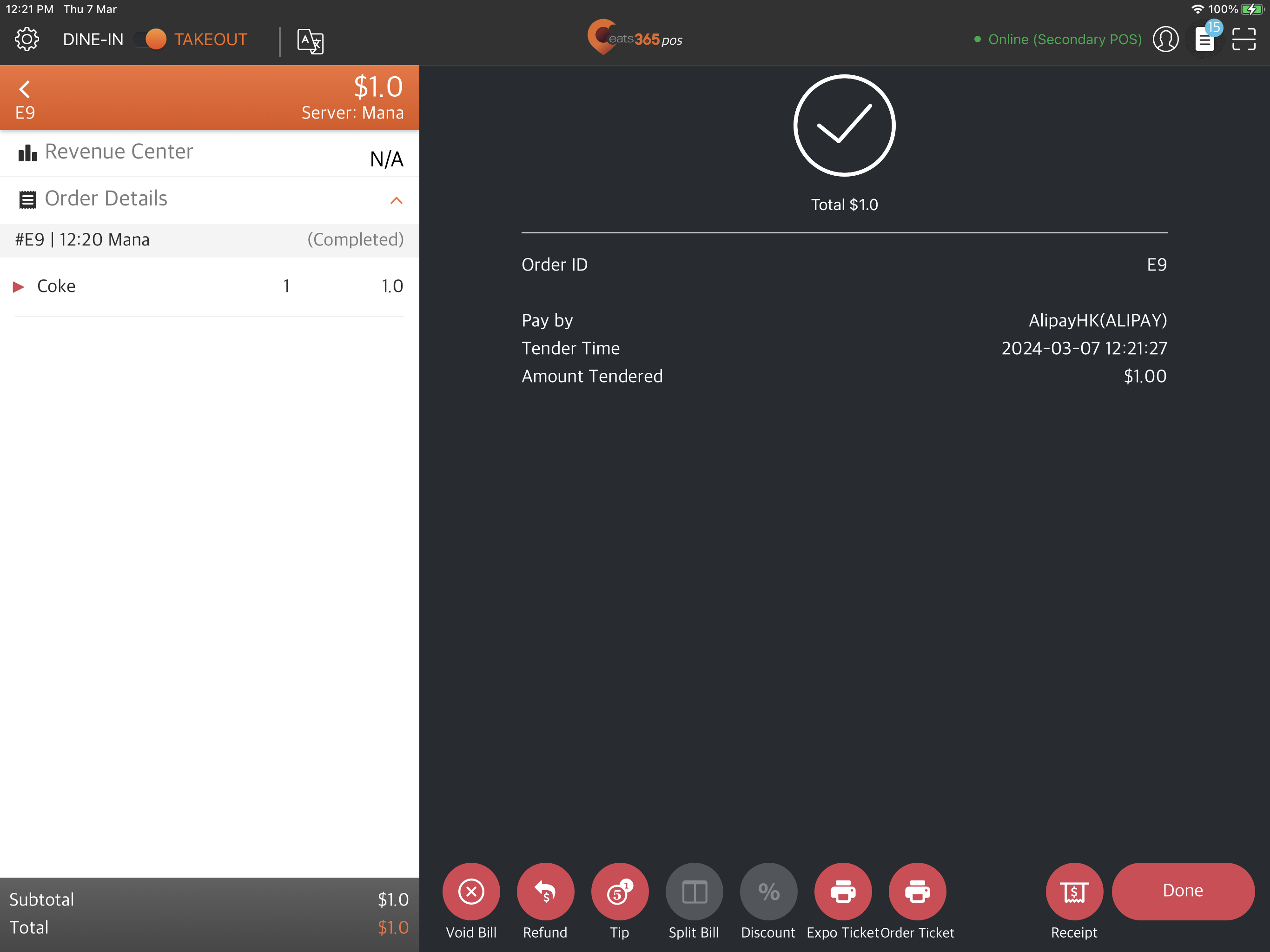
當顧客的整合支付應用程序成功完成付款後,POS 會顯示付款確認。